
Desktop app
Your whole workday in one app
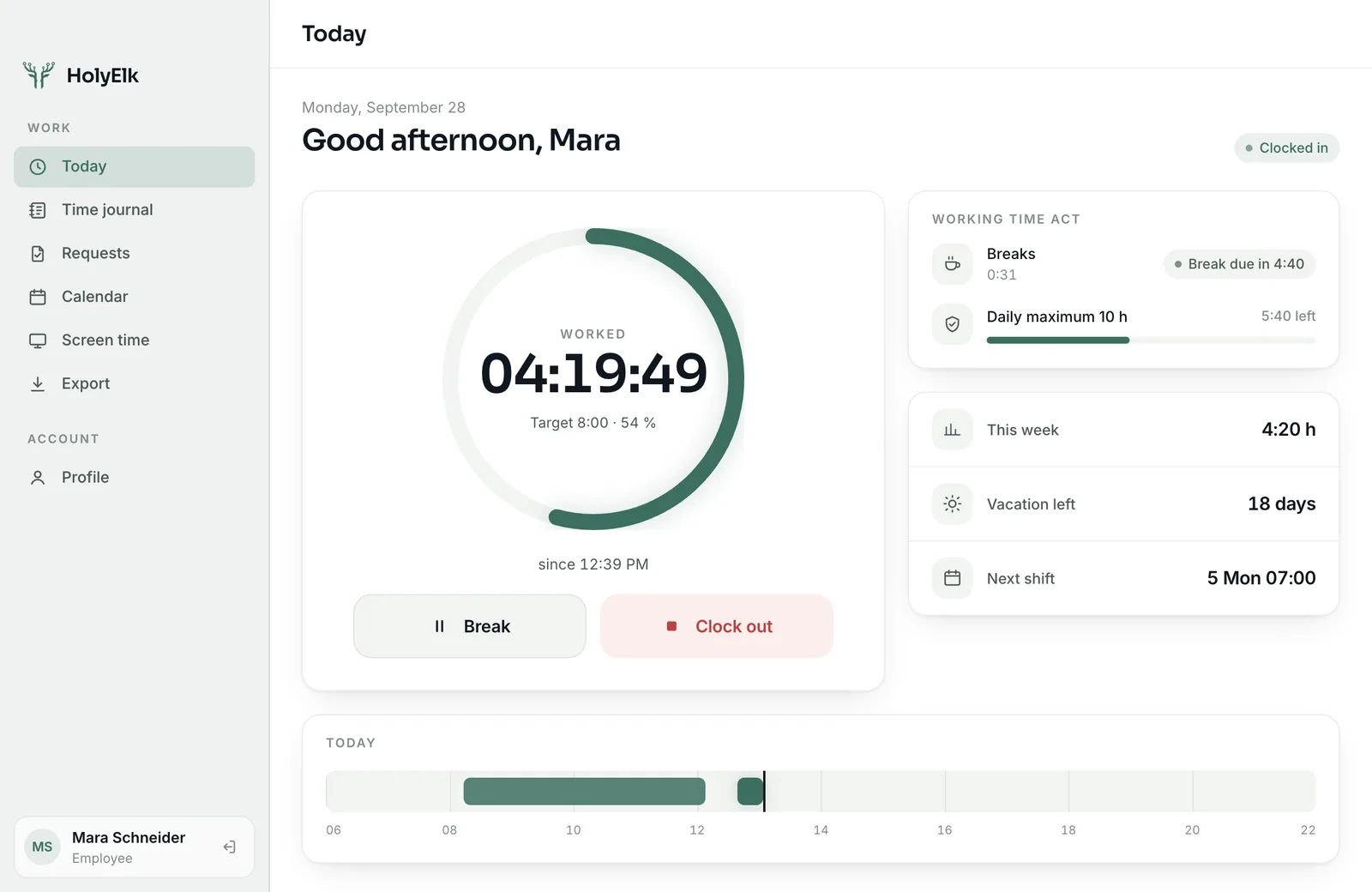
One-click clock-in from the menu bar, requests, calendar and screen time – plus presence, approvals and compliance for admins. For Windows and Mac.
Free for 14 days — no credit card required.
Made for the whole team
For employees
- Clock in, break, clock out in one click – your running time always in the menu bar
- Timely reminders before a break is due and before the 10-hour limit
- Request vacation, sick leave with a certificate, home office and time corrections
- Shifts, team absences and public holidays in a weekly calendar
- Time journal and export to Excel, CSV or PDF
For admins
- Live presence: who is in, who isn't
- Request inbox – approve or reject in one click, notified when something new arrives
- Add employees, manage target hours and vacation, reset passwords
- Working Time Act checks and target-vs-actual per employee
- Pair terminals and manage company settings
Billing, shift planning and the DATEV export stay in the admin portal.
Ready in three steps
- 1Download & install
- 2Sign in with your email, or company ID and username
- 3Done – HolyElk lives in the menu bar; ⌥⌘K or Ctrl+Alt+K opens it from anywhere
What a browser can't do: break and 10-hour reminders as notifications, screen time straight from the operating system – across every app – and clocking in that keeps working without internet.
Transparent: each employee sees their own status — only presence and active/idle time, never programs, windows or content.